Top 7 AI-Powered Video Editing Tools to Speed Up Your Workflow
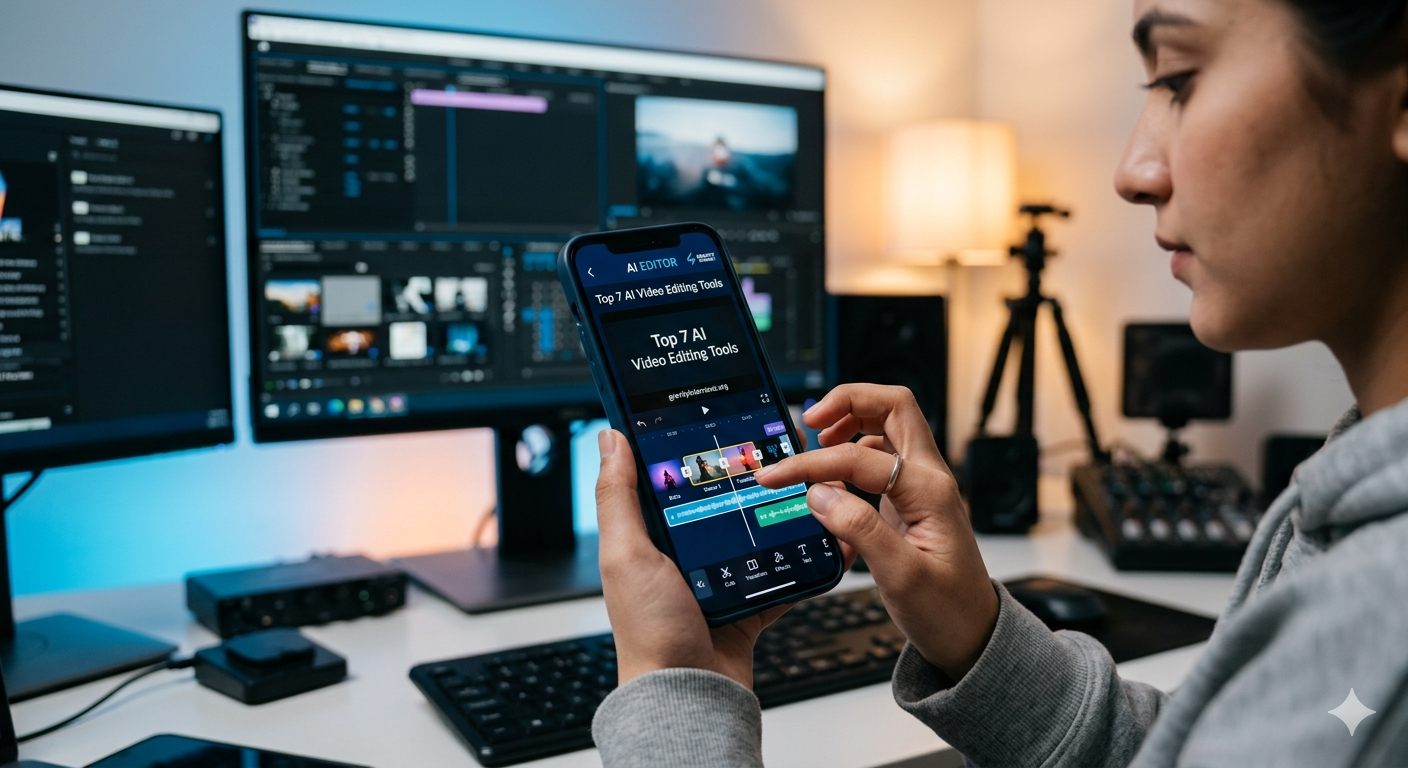
Video content has become the most effective way to communicate. However, the biggest challenge for many creators is the time required for post-production. Fortunately, AI-powered video editing tools are changing the game. By automating repetitive tasks, these tools allow you to focus on your creativity rather than technical manual labor.
In this comprehensive guide, we will explore the best AI video editing software to help you produce high-quality content 10x faster.
Why Should You Use AI Video Editing Tools?
Before we dive into the list, it is important to understand why AI is essential for your workflow. Traditional editing involves hours of cutting, color grading, and syncing audio. AI tools can handle these tasks in seconds.
Whether you are a professional filmmaker or a social media beginner, using AI helps you maintain consistency and meet tight deadlines. Furthermore, these tools often come with smart features like auto-captioning and background removal that were previously impossible for non-experts.
1. Adobe Premiere Pro (AI-Powered Features)
Adobe Premiere Pro is the industry leader for a reason. While it is a professional-grade software, its integration of Adobe Sensei AI makes it accessible for everyone.
-
Auto Reframe: This feature automatically detects the action in your video and adjusts the aspect ratio for different platforms like TikTok or Instagram.
-
Speech-to-Text: It creates accurate transcripts and captions instantly, saving you from hours of manual typing.
-
Remix Tool: AI helps you shorten or lengthen any music track to fit the duration of your video perfectly.
2. Descript: The Future of Text-Based Editing
Descript is arguably the most unique tool on this list. It treats video editing like a Word document.
-
Edit by Text: Once you upload your video, Descript transcribes it. If you delete a word from the text, it is automatically removed from the video.
-
Overdub: If you made a mistake in your voiceover, you can simply type the correct word, and the AI will generate a voice that sounds exactly like you.
-
Studio Sound: With one click, you can remove background noise and make a phone recording sound like a professional studio mic.
3. Wondershare Filmora (AI Suite)
Filmora is widely known as the best software for beginners. However, its recent updates have added powerful AI features that even pros find useful.
-
AI Smart Cutout: You can easily select and remove any object or background from your footage without complex masking.
-
AI Audio Stretch: This tool intelligently retimes your background music to match the length of your video clip.
-
AI Copywriting: Integrated with ChatGPT, it can help you generate scripts and titles directly inside the editor.
4. Runway Gen-2: The Creative Powerhouse
Runway is not just a standard editor; it is a specialized AI research hub. It is best for creators who want to push the boundaries of visual effects.
-
Text-to-Video: You can generate high-quality video clips simply by typing a description.
-
Inpainting: This allows you to remove any unwanted person or object from a video seamlessly.
-
Motion Brush: You can add movement to static images using simple brush strokes.
5. InVideo AI: The Ultimate Time Saver
If you are a digital marketer or run a “faceless” YouTube channel, InVideo AI is a must-have.
-
Prompt-to-Video: Just type “Create a 5-minute video about the history of the internet,” and the AI will find the footage, write the script, and add a voiceover.
-
Large Stock Library: It gives you access to millions of premium stock photos and videos.
-
Customizable Templates: Even after the AI generates the video, you can manually edit any part of it.
6. Pictory: Perfect for Bloggers
Pictory is designed for content marketers who want to turn written content into engaging videos. This is a great tool for your Gravity Internet blog projects.
-
Article-to-Video: Simply paste a blog URL, and Pictory will extract the key points to create a short social media video.
-
Automatic Highlights: It can take long webinar recordings and automatically turn them into “shorts” or “reels.”
7. CapCut (Desktop & Mobile)
CapCut has become the go-to app for short-form content. Its desktop version is surprisingly powerful for a free tool.
-
Auto Captions: It has the most accurate captioning tool for creators who target global audiences.
-
AI Effects: From body tracking to background removal, CapCut’s AI filters are trendy and easy to use.
-
Cloud Collaboration: You can start editing on your phone and finish on your PC seamlessly.
Conclusion: Which AI Tool is Right for You?
Choosing the right AI-powered video editing tool depends on your specific needs. If you want professional precision, Adobe Premiere Pro is the best choice. For quick social media content, CapCut or InVideo are unbeatable. If you are a blogger looking to repurpose content, Pictory will save you the most time.
The future of content creation is here. By integrating these AI tools into your workflow, you stay competitive and ensure your content looks professional every time.
Post Comment